Why Track-to-Track Variation Happens
All of our gear is fully processed to provide a very level and consistent sound across the frequency spectrum. Because of this, our gear illuminates track quality — or the lack of it — in a very apparent way.
We advise no processing be applied to the channels supplying signal to BASSBOSS gear.
Track Quality Is Usually the Culprit
Variation between different tracks is typically a clear indication of a quality issue with the tracks themselves. 320Kbps MP3s are the minimum quality I will suggest using. AIFF and WAV are higher quality (lossless) options.
Some record pools and bootleg media can have doubly-compressed MP3s. Best practice is to export to WAV to avoid a second layer of compression.
Best Practices for Gear Setup
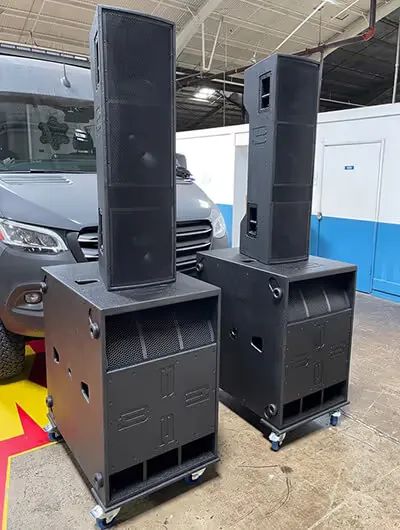
- If only one set of XLRs is dispatched to the system, hit the BASSBOSS subs first and the tops second
- If you have a second output available, run the tops on one set of XLRs and the subs on the other — this gives you separate volume control to balance out the mix for lower-quality tracks
Sub Placement Can Make a Dramatic Difference
Moving the sub itself can improve issues caused by reflections and cancellations. Cancellations are more prevalent in left/right positioning, which lends itself to comb filtering. Subs clustered together in the center typically yields the best result, most output, and little to no comb filtering.
I would check and adjust the LF roll off of the tops and the HF roll off of the subs to see if the output improves. You may have a gap between the subs and tops in the 80-100Hz area, which can be more apparent on certain tracks.